See what changed.
Understand the impact.
Reports for JDE brings Configuration Extract, structured technical documentation, and review-ready ESU comparison into one clearer basis for JDE review.
Book a walkthroughThree focused
report types.
Configuration data
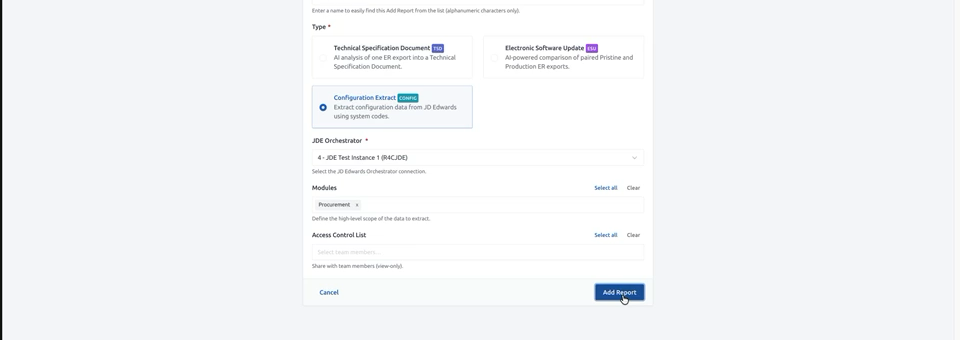
Configuration Extract
Export configuration data from JD Edwards using your system codes, then share a structured extract for better-informed review.
System codes · selected modules · team review
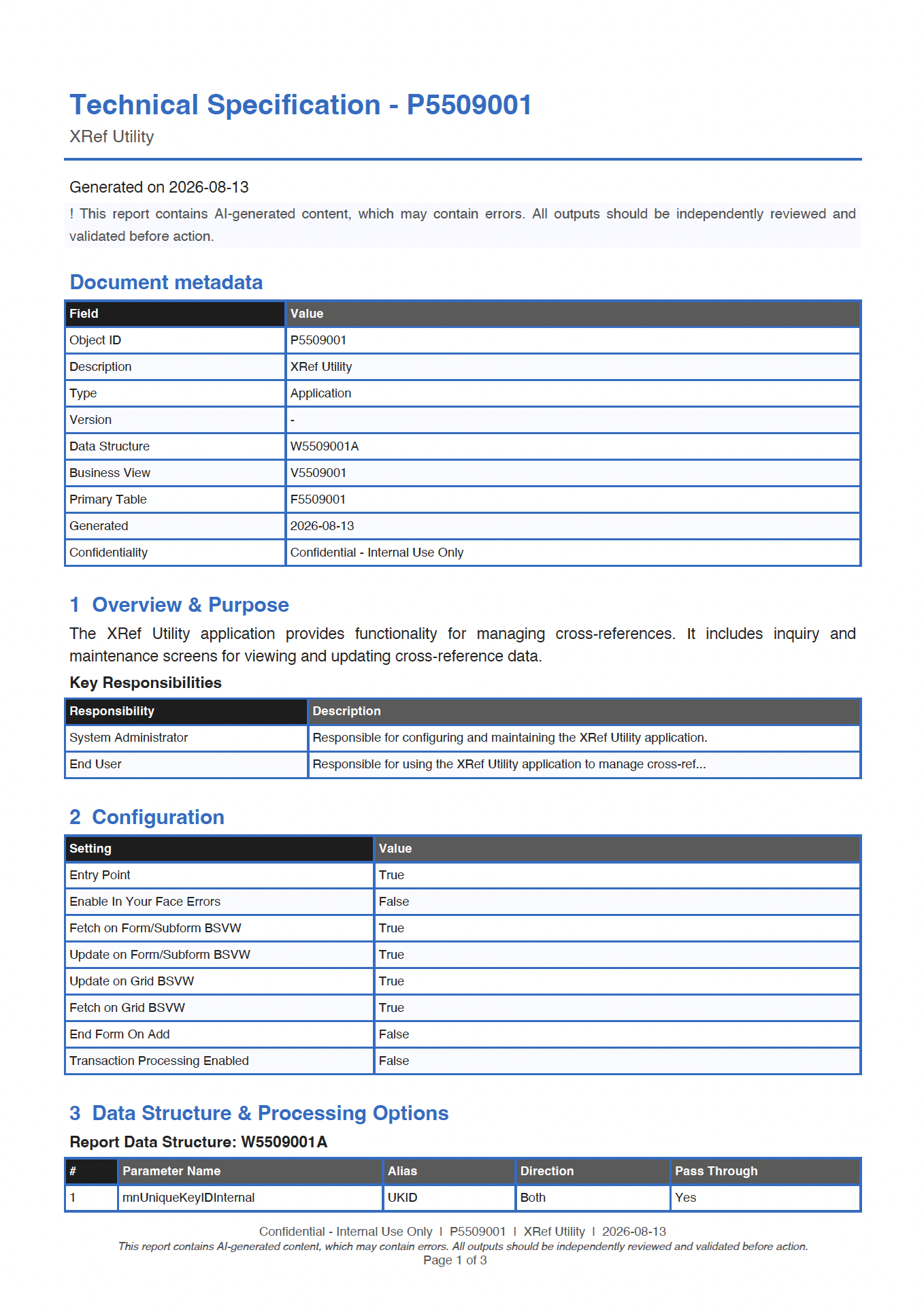
Technical Specification Document
Turn a selected Event Rules export into a clear technical reference.
Configuration · structures · logic
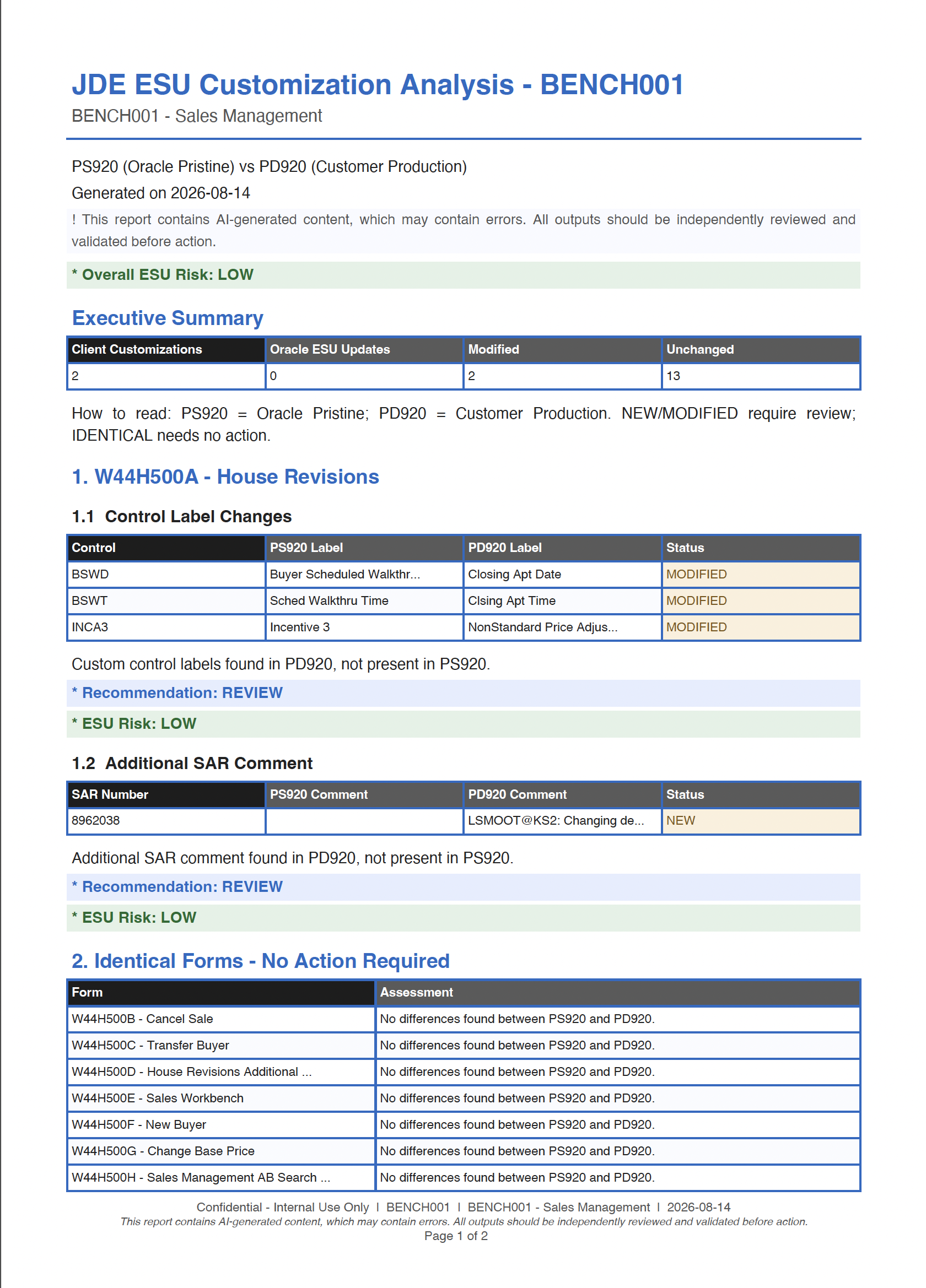
ESU Compare
Compare Oracle Pristine with customer Production to focus review on meaningful change.
Risk summary · change status · porting checklist
Focus the work that
changes most.
Upgrade & retrofit planning
Identify custom logic, incoming change, and review priorities early—so upgrade and retrofit conversations start from shared evidence.
Change governance & documentation
Produce consistent technical evidence to support enhancement reviews, change boards, audit documentation, and informed release decisions.
AI-assisted outputs should be independently reviewed and validated before action.
Start with a clear view of change